featured images

How to use the Pen Tool(Affinity Edition)

The Pen Tool is one of the most powerful and essential tools in Affinity. While it can feel intimidating at first, once you understand how it works and how each mode behaves, it becomes an incredibly precise and flexible way to create clean vector artwork.

In this follow-along tutorial, we’ll break down what the Pen Tool is, what it does, and how each Pen Tool mode works. Then, we’ll walk through practical examples using shapes and designs you can follow along with using the images provided.

This tutorial is designed to be hands-on, so open Affinity, and draw along as you go.

How to use the Pen Tool(Affinity Edition) Read More »

featured images

How to Design a Band Flyer in Affinity: Layout Persona (Follow-Along Tutorial)

Designing a band flyer is a great way to practice layout, typography, and image handling—all while creating something practical and fun. In this follow-along tutorial, we’ll build a modern band flyer step by step using Affinity Designer’s Layout Persona. This tutorial is designed so you can work alongside me, pause when needed, and end with a clean, professional-looking flyer.

How to Design a Band Flyer in Affinity: Layout Persona (Follow-Along Tutorial) Read More »

featured images

How to Create a Mono-Line Cityscape in Affinity Vector Studio. A Follow-Along Tutorial Using Simple Shapes & Clean Lines.

Creating a mono-line cityscape is a fun way to practice line work, geometry tools, and clean design inside Affinity Designer. I wanted to keep this tutorial as simple as possible, so we’ll only be using basic shapes, and lines, but the final artwork still looks polished and professional.

How to Create a Mono-Line Cityscape in Affinity Vector Studio. A Follow-Along Tutorial Using Simple Shapes & Clean Lines. Read More »

featured images

How To Create Geometric Shape Patterns in Affinity Vector Studio: A Follow-Along Tutorial

Welcome to this step-by-step follow-along tutorial on creating simple geometric shape patterns in Affinity Designer. If you’re like me, you’ll find joy in the simplicity and creativity of geometric patterns. They’re not just fun and relaxing to make; they’re also an excellent way to hone your design skills. Today, we’ll explore 12 different patterns that utilize basic shapes and tools within Affinity Designer. Whether you’re a beginner with a basic understanding of Affinity Designer’s tools and interface or looking to practice, this tutorial is for you.

How To Create Geometric Shape Patterns in Affinity Vector Studio: A Follow-Along Tutorial Read More »

featured images

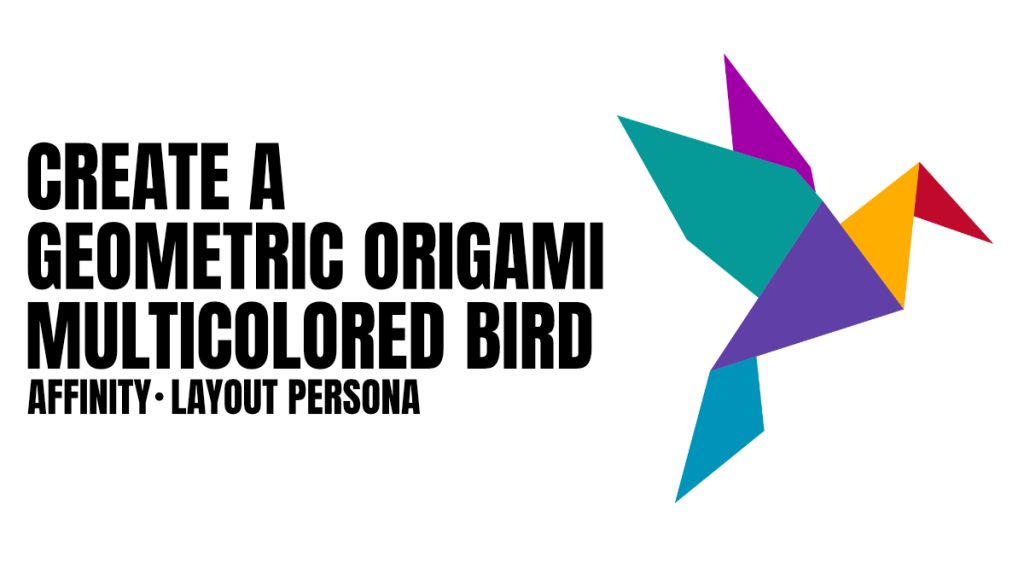
How to Create a Geometric Origami Multicolored Bird in Affinity: A Follow Along Tutorial.

In this beginner-friendly tutorial where we will be creating a geometric origami bird using Affinity Designer. This tutorial is designed to be a simple follow-along exercise that mimics the joy of connecting the dots in a book. The only tool we will need is the pen tool, making it accessible to anyone with basic knowledge of vector design programs. Whether you’re using Affinity Designer or any other vector software that features a pen tool, you’re all set to create your multicolored origami bird.

How to Create a Geometric Origami Multicolored Bird in Affinity: A Follow Along Tutorial. Read More »

Scroll to Top